.video-overlay {
display: none;
position: fixed;
top: 0;
left: 0;
width: 100%;
height: 100%;
background: rgba(0, 0, 0, 0.7);
z-index: 1000;
justify-content: center;
align-items: center;
}
.video-container {
position: relative;
width: 90%;
max-width: 800px;
}
.video-player {
width: 100%;
height: auto;
cursor: pointer;
}
.close-btn {
position: absolute;
top: -30px;
right: 0;
color: white;
font-size: 24px;
cursor: pointer;
background: none;
border: none;
padding: 0;
}
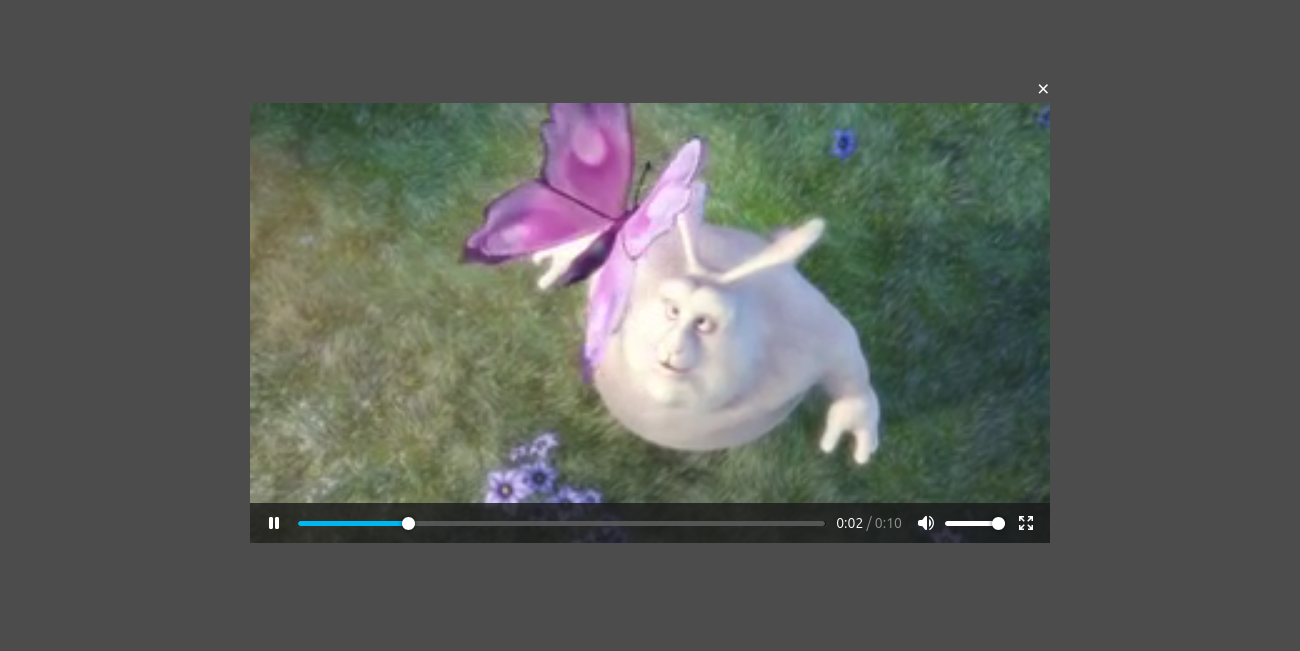
・サイトが開かれた時に動画再生
例えば商品紹介や、サービスを紹介する動画をより目立たせる時に、サイトが開かれた時に再生ウィンドウが表示されれば、訪問者の注目を集めることが出来ます。
HTML
CSS
JavaScript
<!DOCTYPE html>
<html lang="ja">
<head>
    <meta charset="UTF-8">
    <meta name="viewport" content="width=device-width, initial-scale=1.0">
    <title>起動時に動画再生</title>
</head>
<body>
    <div class="video-overlay" id="videoOverlay">
        <div class="video-container">
            <button class="close-btn" id="closeBtn">×</button>
            <video class="video-player" id="videoPlayer" controls>
                <source src="https://www.w3schools.com/html/mov_bbb.mp4" type="video/mp4">
                お使いのブラウザは動画タグをサポートしていません。
            </video>
        </div>
    </div>
</body>
</html>
document.addEventListener('DOMContentLoaded', () => {
    const overlay = document.getElementById('videoOverlay');
    const video = document.getElementById('videoPlayer');
    const closeBtn = document.getElementById('closeBtn');

    // 3秒後にオーバーレイを表示
    setTimeout(() => {
        overlay.style.display = 'flex';
    }, 2000); // 3000ミリ秒 = 3秒

    // 動画をクリック/タップで再生・一時停止
    video.addEventListener('click', () => {
        if (video.paused) {
            video.play();
        } else {
            video.pause();
        }
    });

    // 閉じるボタンで非表示
    closeBtn.addEventListener('click', () => {
        video.pause();
        overlay.style.display = 'none';
    });
});